Voxel Forge
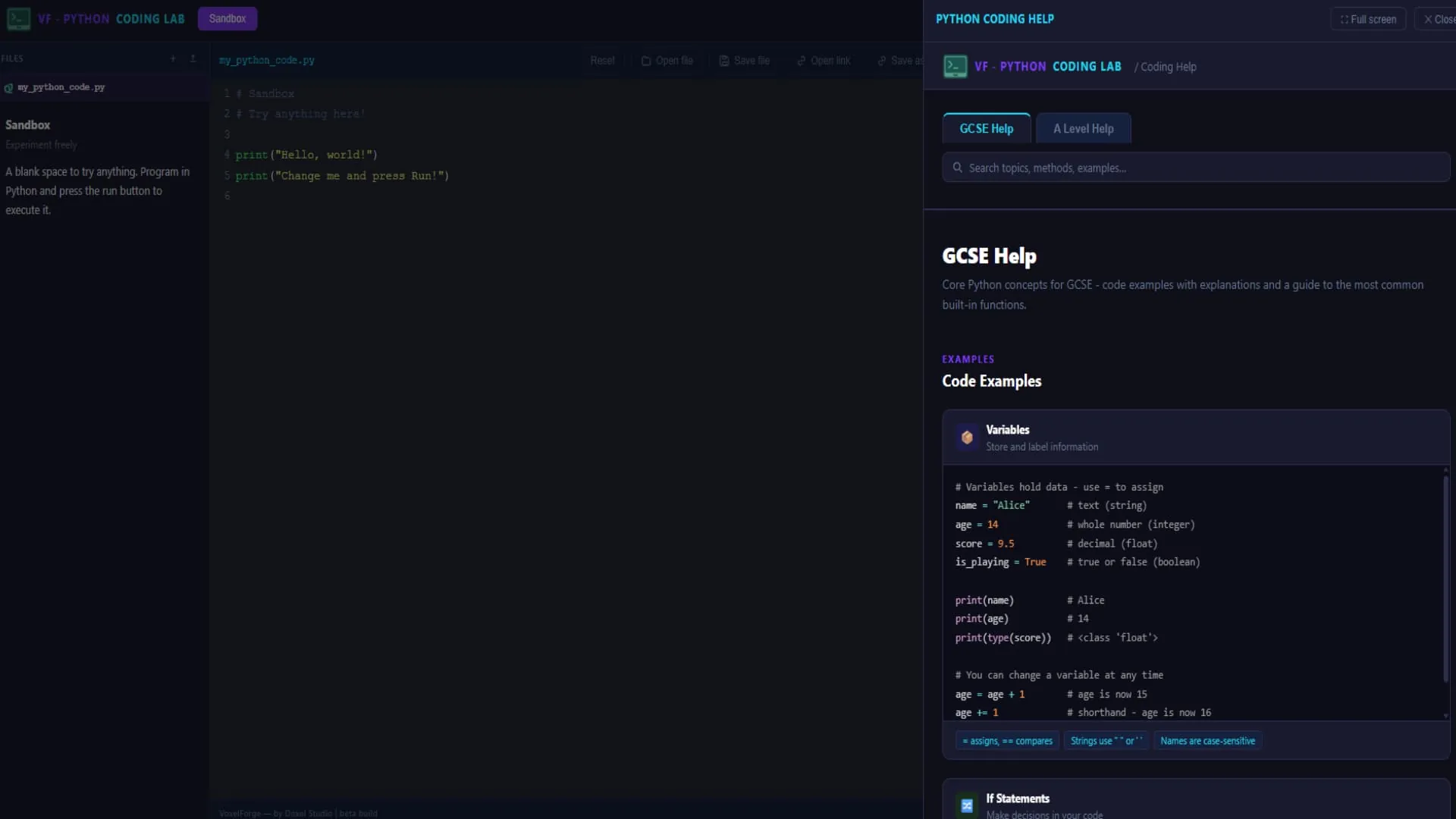
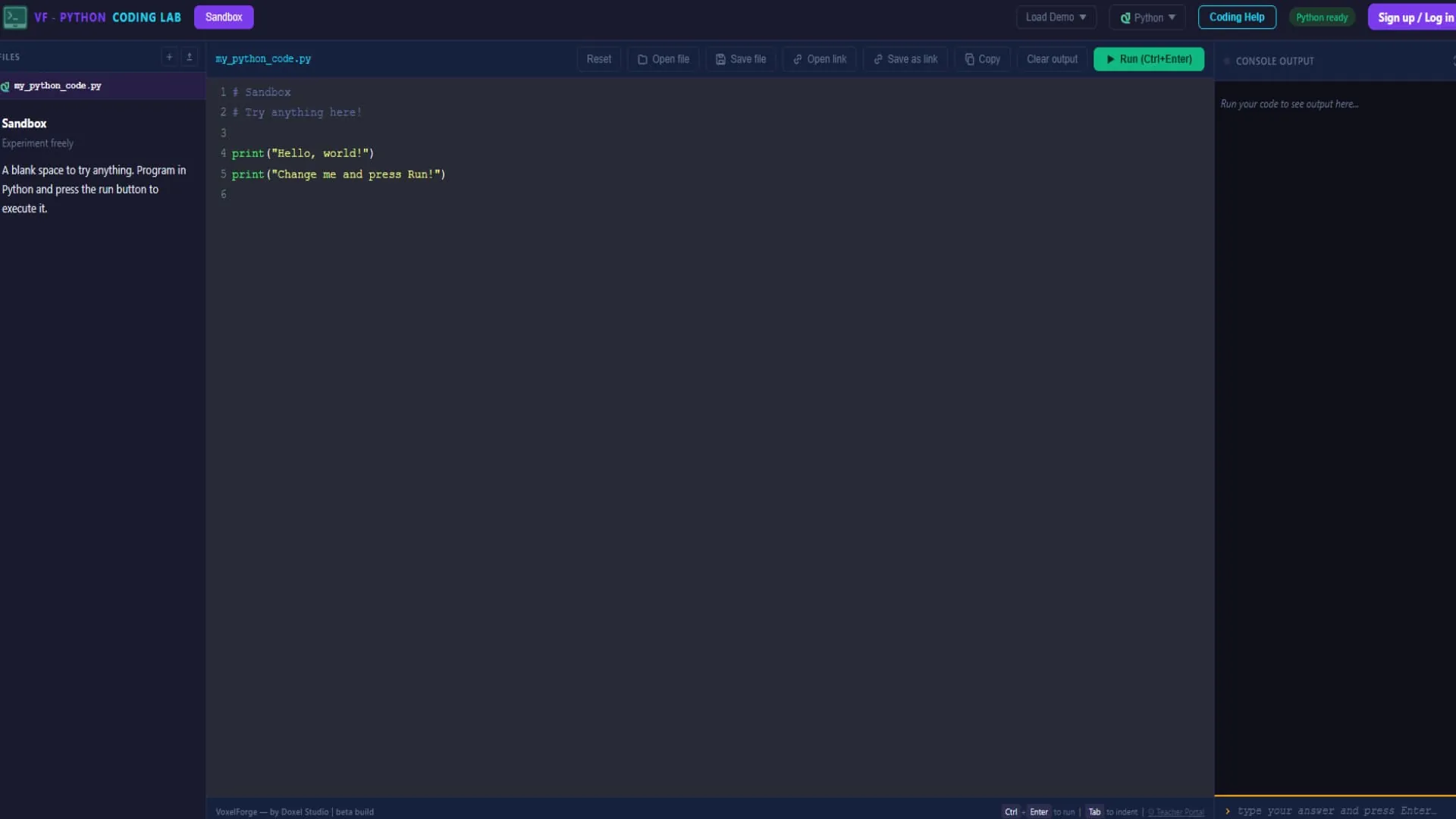
A coding lab for GCSE and A-Level Computer Science that runs in the browser. Students write and run Python and C#, work through lessons and challenges, and earn XP as they go. Nothing to install, and no pupil accounts.
The idea
Students learning to program on their own often drift off. School IT rules make installing an editor awkward, and self-marked exercises let students tick off work they haven’t really finished. Voxel Forge fixes both problems. It opens in any browser on any school machine, and a challenge only counts as done when the code actually produces the right output.
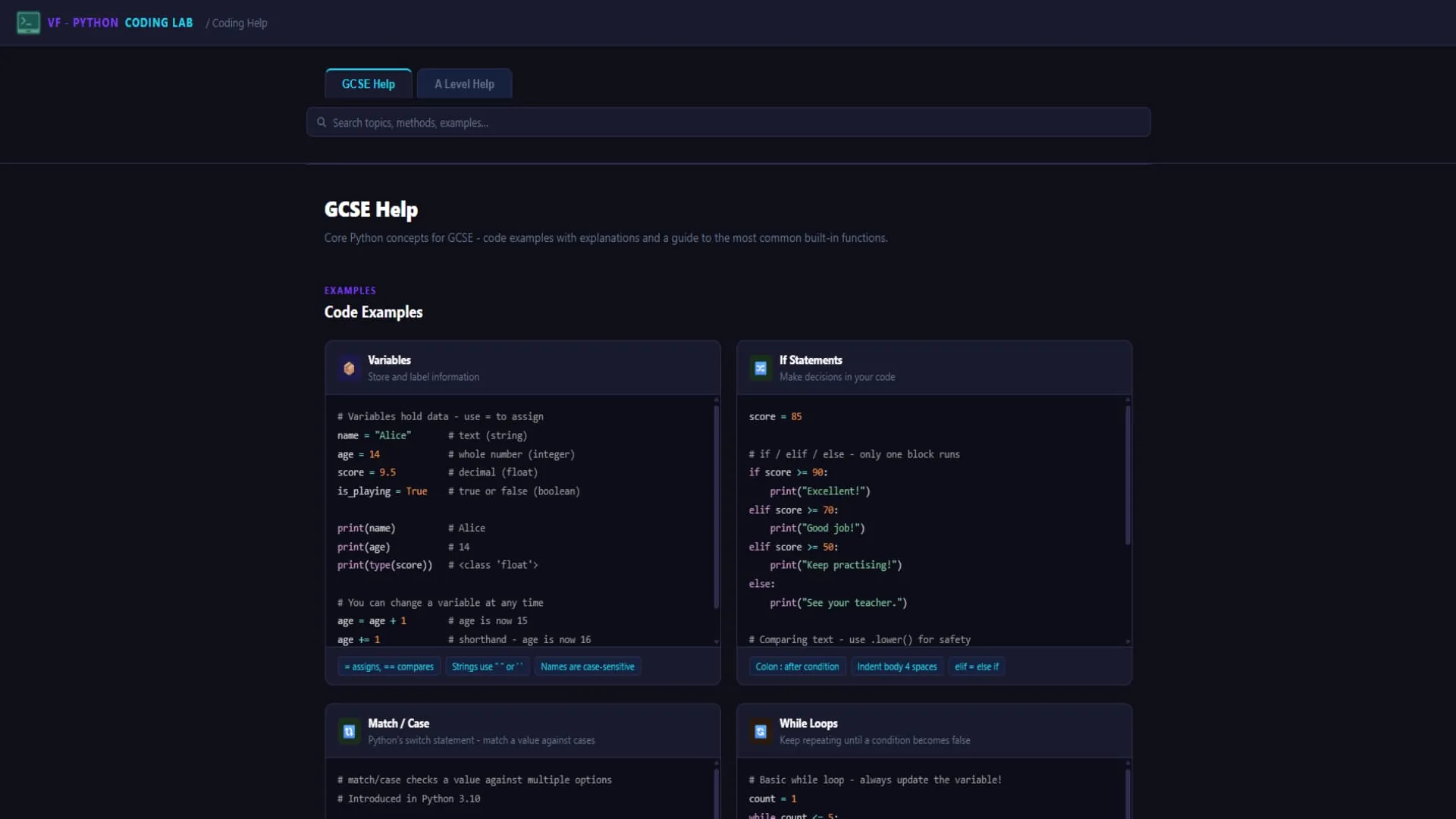
Voxel Forge has no AI assistant built in, on purpose. Students get hints and help pages, but they write the code themselves. That’s how they learn it, and it’s what the exam expects.
How it works
Students open Voxel Forge and start coding straight away. There’s a sandbox for trying things out, structured lessons that build up one idea at a time, and a challenge bank sorted by language, topic and difficulty. Each challenge runs the student’s code and checks it against the expected output. If it fails, they get a student-friendly error hint and can try again.
Progress earns XP and achievements, so regular practice is rewarded and students can see how far they’ve come.
Built for teachers
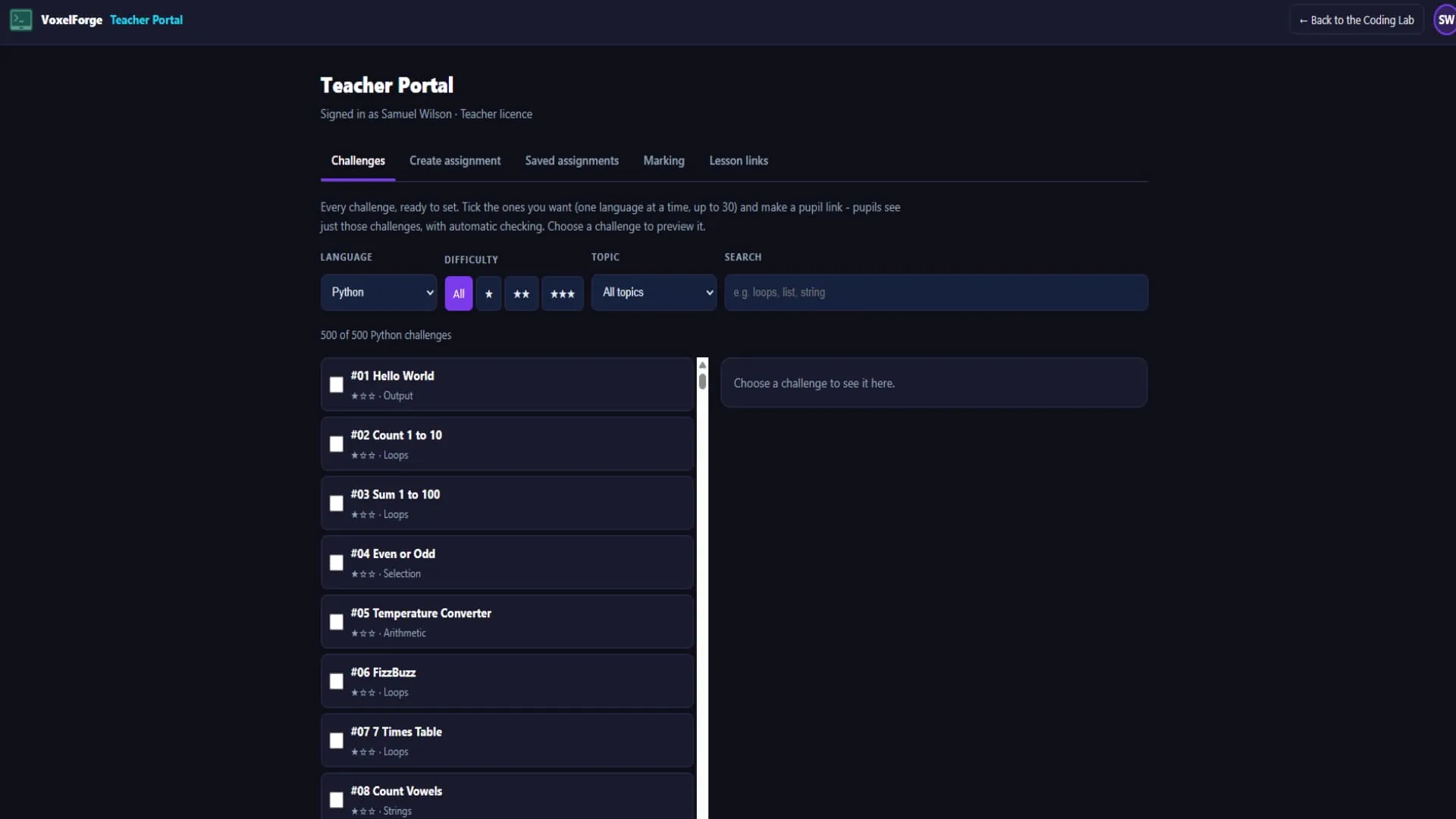
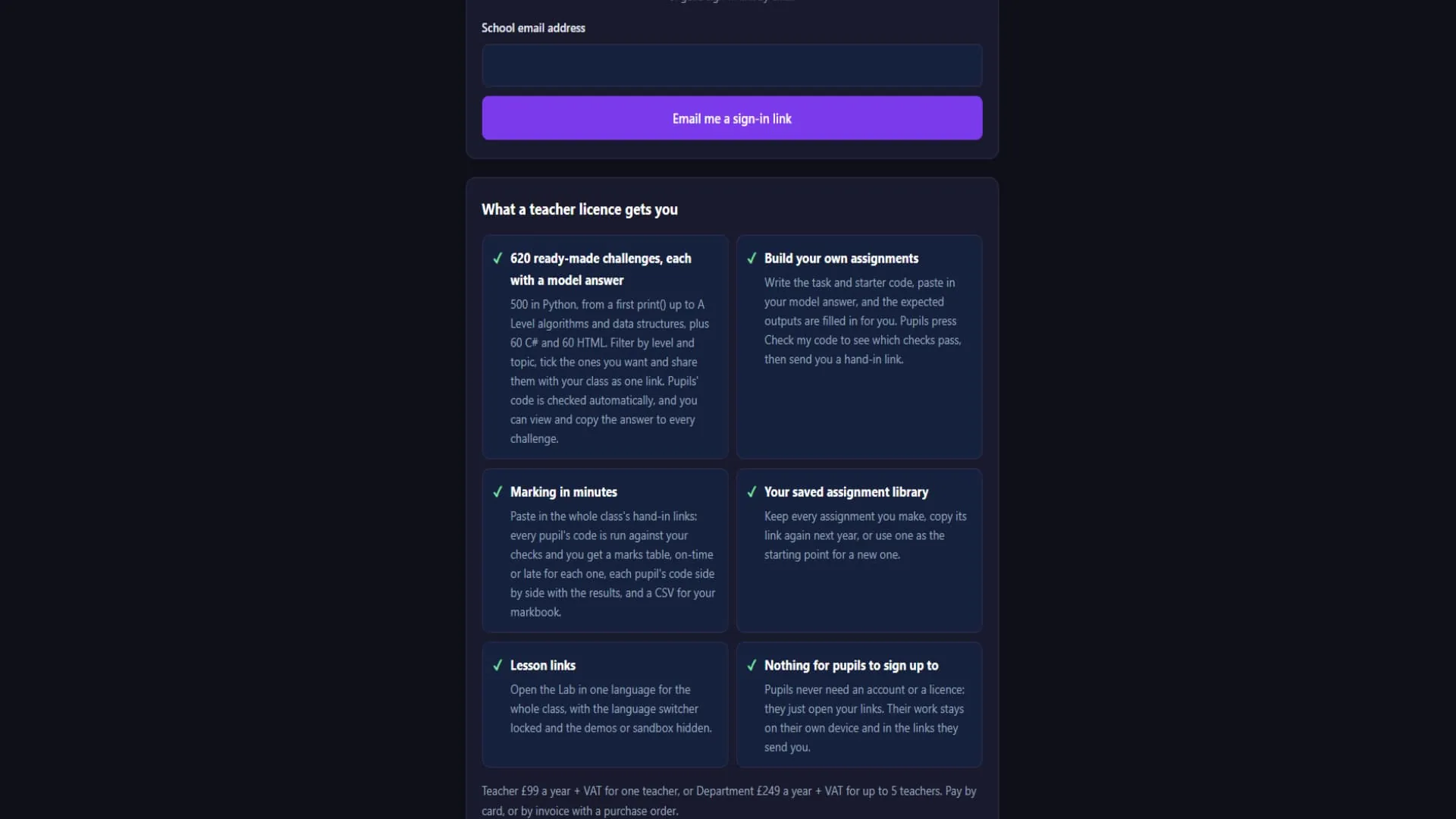
Teachers get a portal of their own. From there they can use:
- ChallengesFilter 500 ready-made challenges by language, difficulty and topic, pick the ones they want, and share them with a class in a single link.
- AssignmentsCreate and save assignments to reuse with other classes or next year.
- MarkingSee how students got on without collecting any pupil data.
- Lesson linksLock the language, hide the sandbox or challenges, and send students straight to the right place.
What we built
- An in-browser editor that runs Python and C# with no install, so it works on locked-down school machines
- Challenges checked against the expected output, so students can’t mark their own work as done
- Structured lessons, XP and achievements that reward regular practice
- Hints, help pages and plain-English error messages, with no AI writing code for students
- A teacher portal with a challenge bank, assignments, marking and shareable lesson links
- No student accounts and no stored pupil data, which keeps it simple for schools under UK GDPR
Under the hood
Voxel Forge is written in JavaScript and runs entirely in the browser. Pyodide runs real Python, and C# runs through its own browser runtime, so students’ code executes on their own machine rather than on a server. Student work is saved in the browser. Teacher licences, accounts and payments go through the teacher portal, so pupils never need to sign in.
Status
Voxel Forge is live now and used in real Computer Science lessons, with more challenges and lessons being added.
Project details
- Type
- Educational web app
- Audience
- GCSE and A-Level Computer Science students and their teachers
- Built with
- JavaScript, Pyodide (Python in the browser) and a browser C# runtime
- Build time
- 6 to 10 weeks
- Status
- Live at voxelforge.doxelstudio.co.uk
Inside Voxel Forge
Drag, swipe or use the arrows. Click the front image to see it full size.
01 / 05